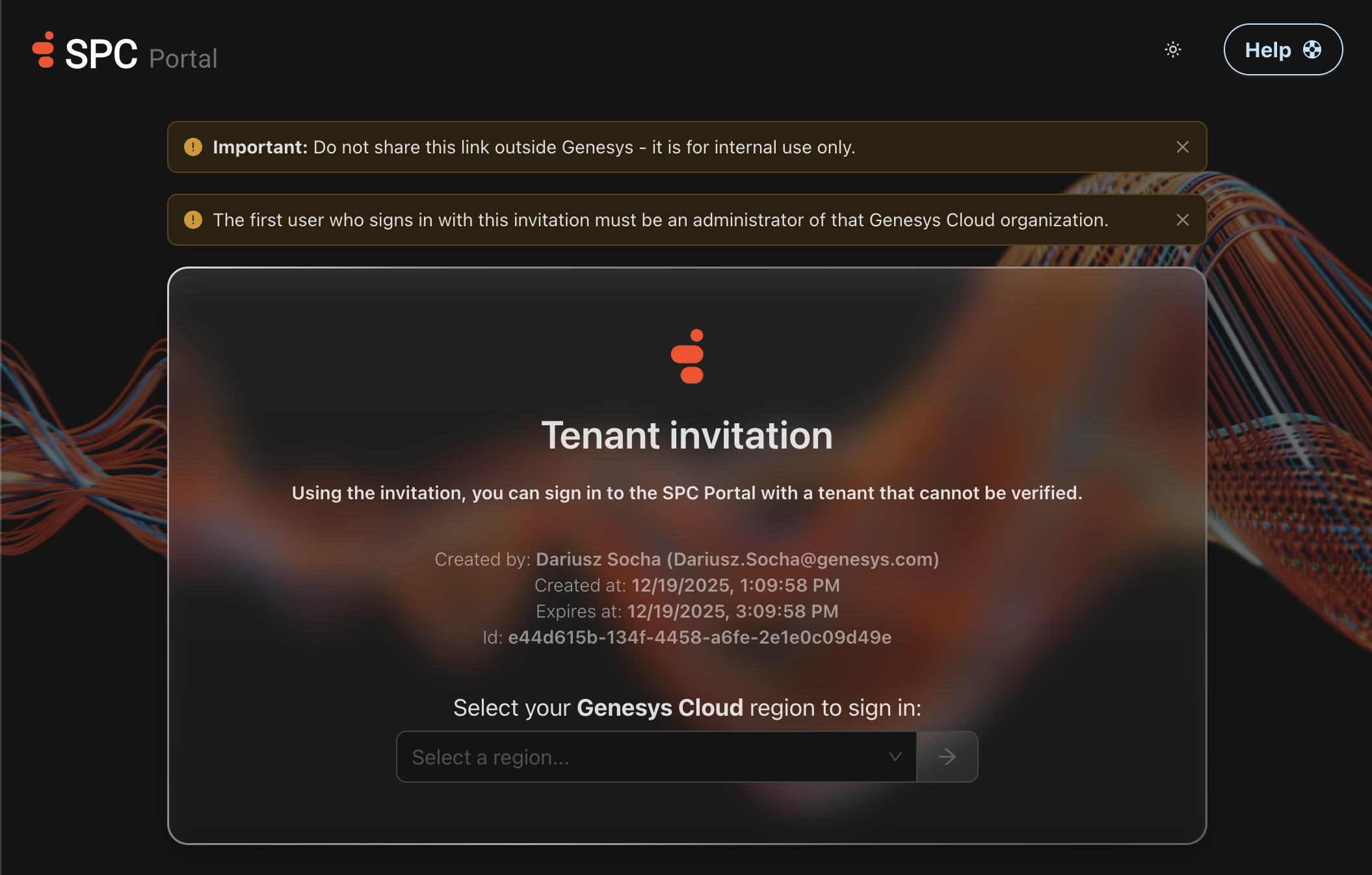
Tenant Invitations (Genesys only)
Overview
The Tenant Invitations feature allows Genesys users to join the SPC Portal from Genesys Cloud (GC) organizations that do not exist in Salesforce (SF) and whose account type cannot be verified. This is especially useful for test or temporary GC organizations.
How to Create a Tenant Invitation
Follow these steps to create a tenant invitation:
- Login to the
Americas (US East)region with the Genesys organization (use OKTA). If you are already logged into to an organization within that region other than the Genesys organization, please logout first. - Once you are logged in, click on your profile picture in the top right corner of the SPC Portal.
- Select 'Tenant Invitations' from the dropdown menu.
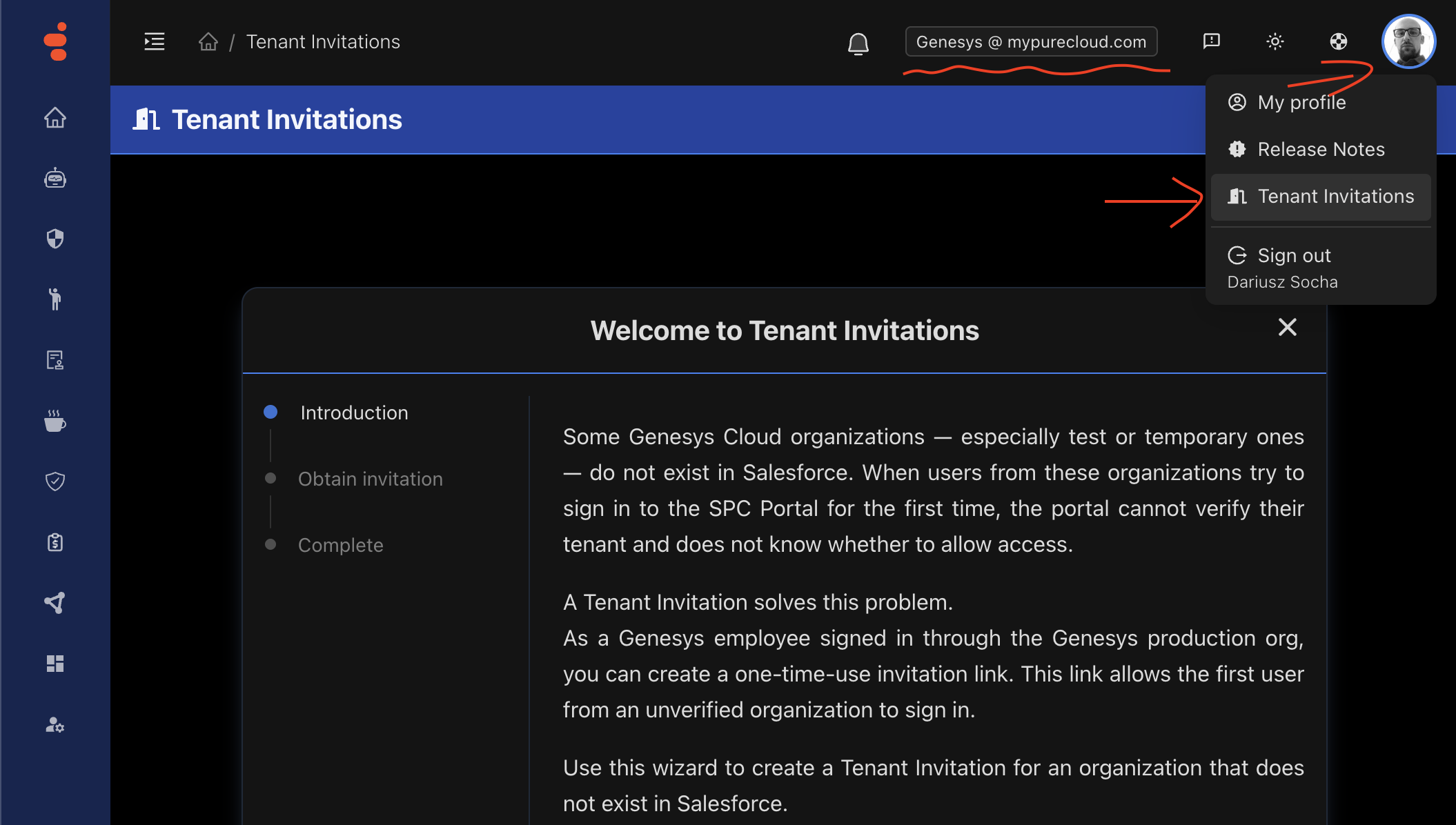
-
Follow the steps presented on the
Tenant Invitationswizard. -
At the end of the process, a tenant invitation link will be generated and emailed to you. You can use this link for the initial login from a Genesys Cloud organization that could not be verified.
Note: The first user who signs in with this invitation must be an administrator of the Genesys Cloud organization. Do not share the invitation link outside Genesys; it is for internal use only.